lock

Homograph Attacks


Homograph Attacks


A 101 Guide

What is a Homograph?

The -graph in homograph means “written.” Homographs are words that are written the same—meaning they always have the same spelling—but have different meanings. Homographs can be pronounced the same or not. For example, bass (the fish, rhymes with class) and bass (the instrument, rhymes with ace) are homographs. In the tech world, a homograph word be two characters that LOOK the same but have different Unicodes Hexes, which hackers make use of.

Peyto Lake

What is a Homograph Attack?

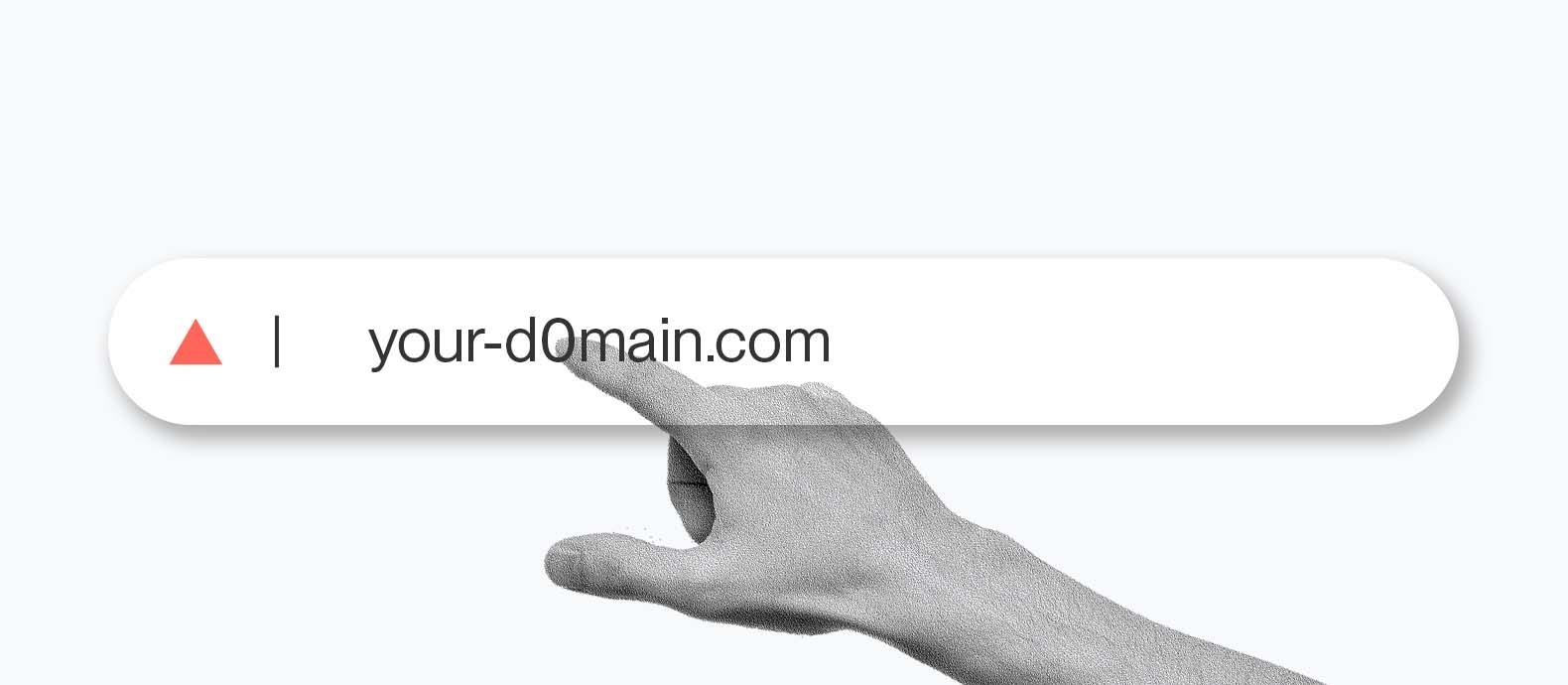
A homograph attack is a method of deception wherein a threat actor leverages on the similarities of character scripts to create and register phony domains of existing ones to fool users and lure them into visiting. Letters and numbers—that look alike are called homoglyphs or homographs, thus the name of the attack. Examples of such are the Latin small letter O (U+006F) and the Digit zero (U+0030). Hypothetically, one might register bl00mberg.com or g00gle.com and get away with it. But in this day and age, such simple character swaps could be easily detected.

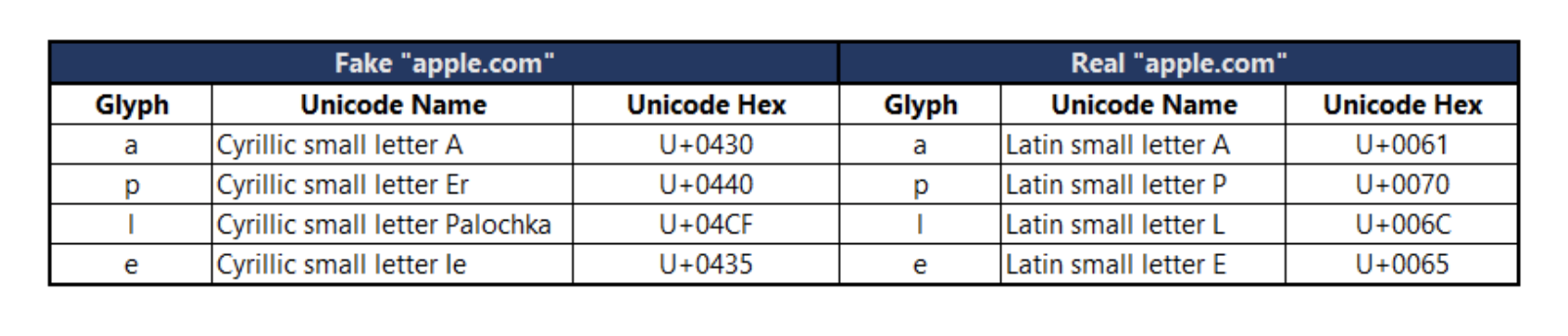
In an internationalized domain name (IDN) homograph attack, a threat actor creates and registers one or several fake domains using at least one look-alike character from a different language. Again, hypothetically, one might register gοοgle.com, but not before swapping the Latin small letter O (U+006F) with the Greek small letter Omicron (U+03BF).

Let’s list down each character in this example used to illustrate how this particular attack can be highly successful and dangerous if used in the wild. Interestingly, an operating system’s typeface of choice could make it easy or difficult for users to visually differentiate non-Latin characters from Latin ones.

Peyto Lake

Prevent Homograph Attacks

  1. Use Unicode character detection tools - Employ tools that can detect and highlight Unicode homographs. This can help you identify potentially malicious characters in URLs or email addresses.
  2. Enable Punycode in browsers - Browsers often support Punycode encoding, which represents non-Latin characters with ASCII characters. Enabling Punycode can help reveal the actual characters in a URL and make it easier to identify any attempted homograph attacks.
  3. Educate yourself - Train yourself to scrutinize URLs and email addresses carefully. Look for subtle differences in characters that might indicate a homograph attack.
  4. Browser extensions - Consider using browser extensions that can alert users to potential homograph attacks by highlighting suspicious characters in URLs.
  5. Implement email filtering - Use email filtering systems that can detect and block phishing attempts, including those employing homograph attacks. These systems may analyze email content and URLs for malicious patterns.
  6. Stay informed - Keep abreast of the latest cybersecurity threats and best practices. Being aware of evolving tactics used in homograph attacks can help you stay one step ahead of potential threats.
Peyto Lake